

An IDE is no longer something you buy. We built ours.
Counting the reasons an IDE still stayed open left four: reviewing diffs, committing by hand, reading Markdown, and reading code. If the AI does the writing, everything we pay for on the writing side is waste. So we built our own macOS-native environment, Wisp, around those four jobs — 40 MB resident, 0.2 s to launch, and everything it frees up goes to the AI.
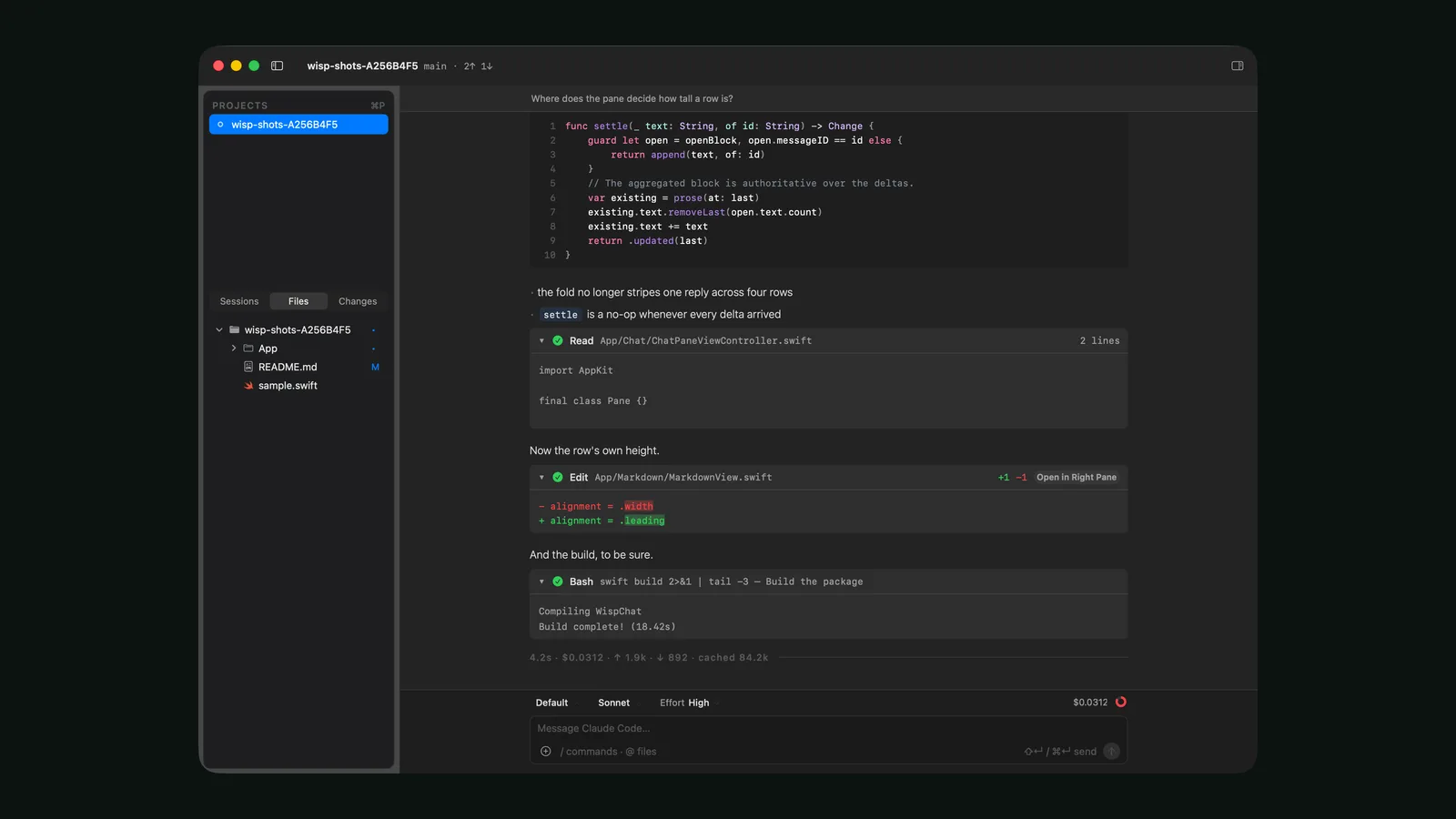
We stopped buying our development tools and built one instead. Wisp is a macOS-only IDE for running Claude Code across several projects at once, in a single window.
The IDE had quietly become a four-job tool
Once the AI was writing the code, we counted the reasons an IDE still stayed open all day, and there were four: reviewing diffs, staging and committing by hand, looking at those diffs graphically, and reading Markdown documentation. Completion, inspections, refactoring — none of them had been used in months.
The IDE had turned from a tool for writing into a tool for reading, while the bill stayed exactly what it was before. And a window opens for every project running in parallel, each carrying its own index. One instance of a heavyweight IDE measured 4.9 GB here, and four of those side by side is memory and CPU sitting idle that the AI and its tools should be using.
Building one stopped being an absurd idea
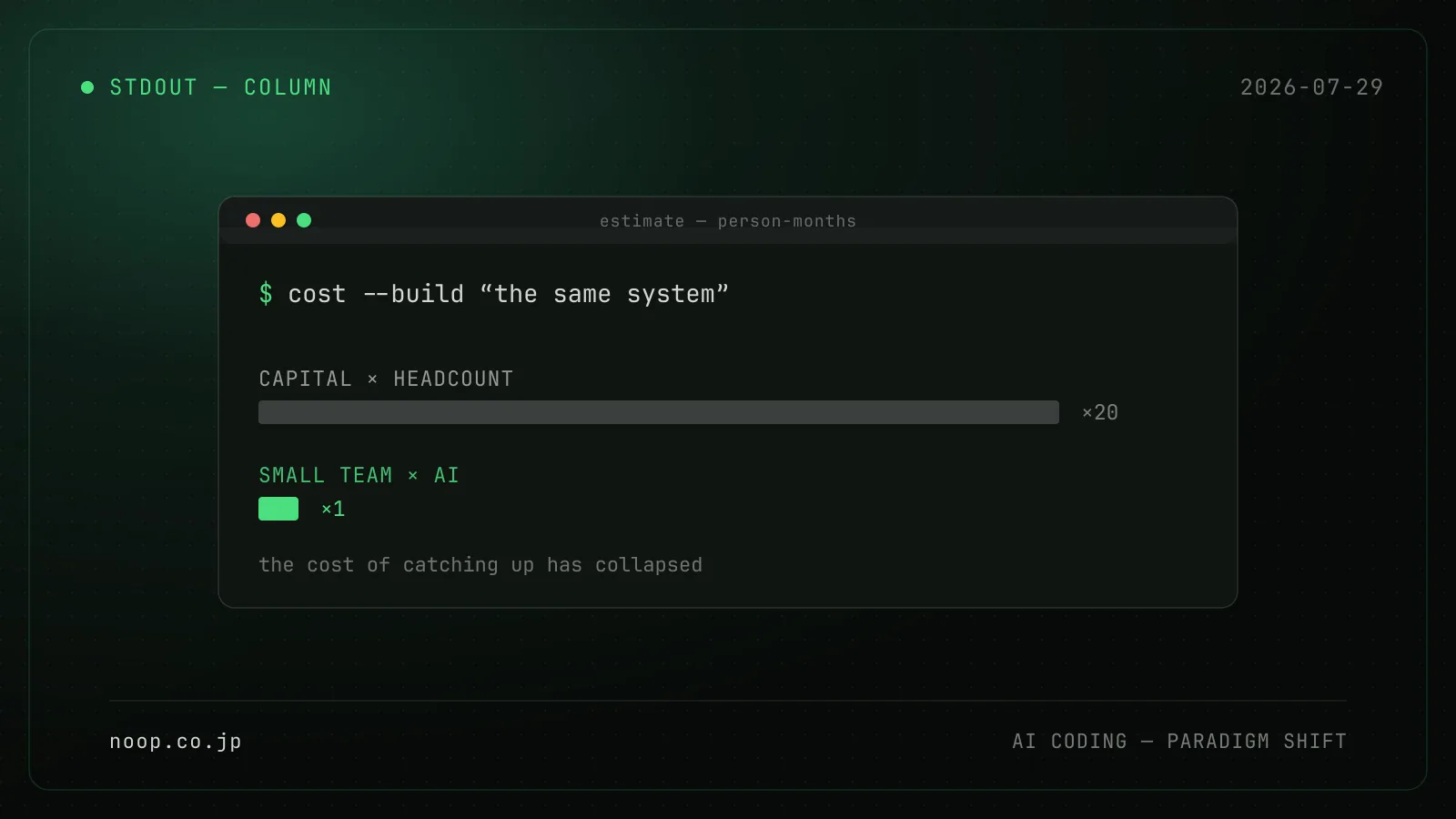
A few years ago, writing your own IDE would not have been a serious proposal. The cost of implementation has fallen sharply since (→ The paradigm shift AI coding brings), and something else counts just as much: it only has to suit one person.
Anything sold has to fit everybody, and that generality is precisely what makes it heavy. Build your own and it only has to cover those four jobs, which turns "don't carry what you don't use" into a decision you can actually act on.
Wisp — several Claude Code sessions in one window
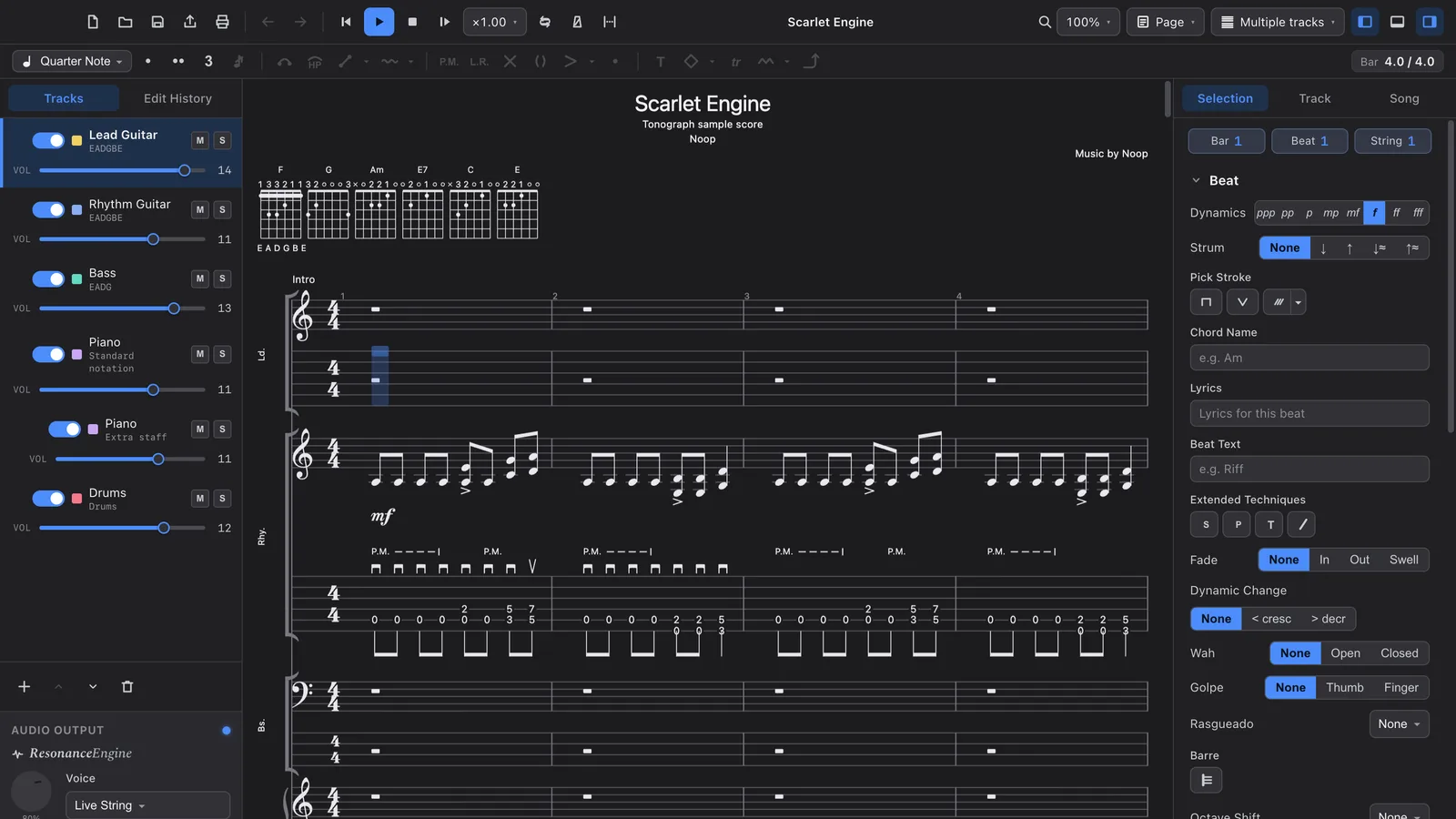
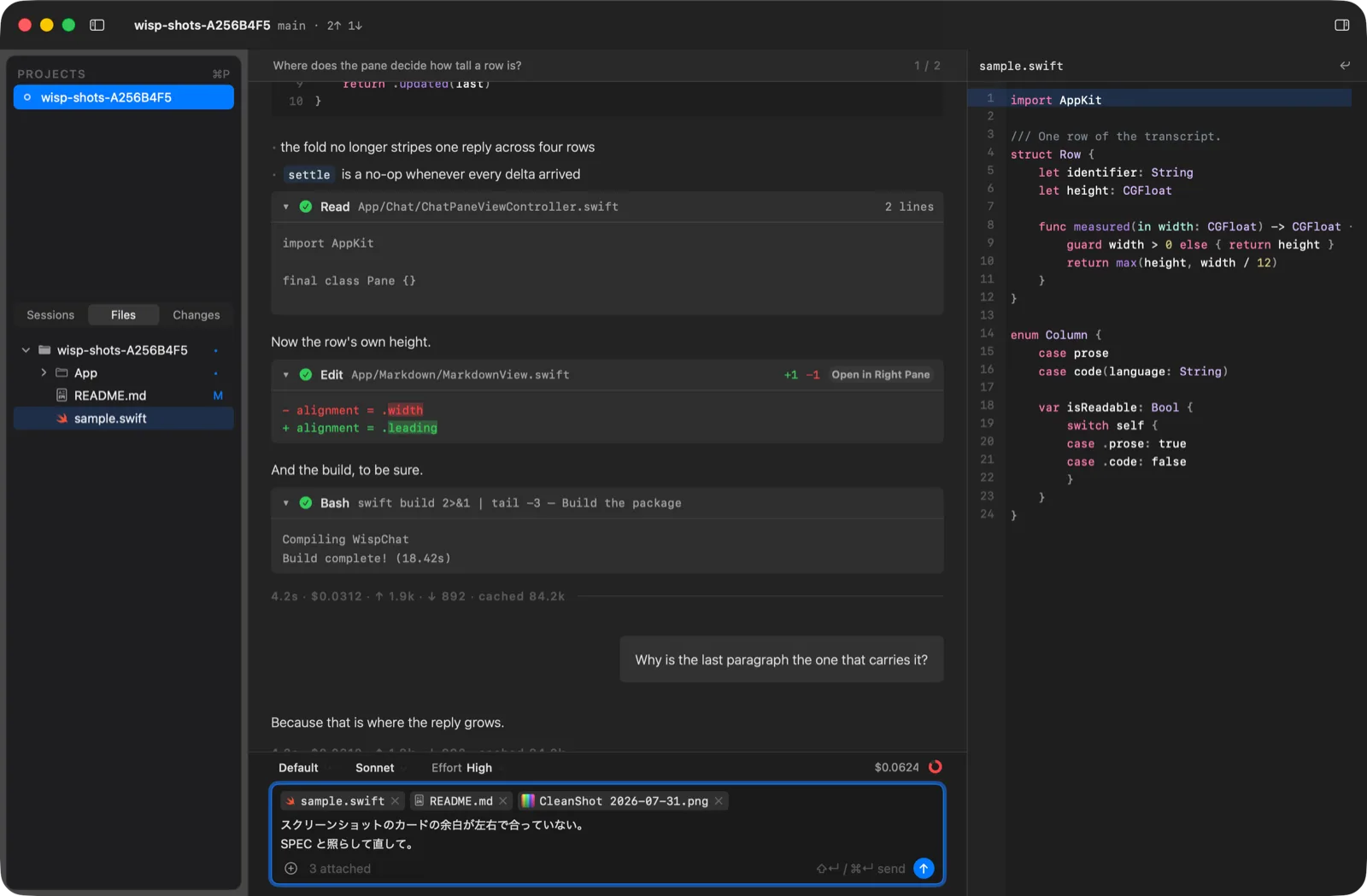
Three panes, one window, no tabs and no terminal. Projects and the Sessions / Files / Changes tabs on the left, the conversation in the middle, and a single seat on the right holding code, a diff or Markdown.
Opening a project starts one claude, and moving to another project doesn't stop it. Four projects open means four running at once, with whichever one is waiting on you visible the whole time.
Native, and it idles at 40 MB
Written in Swift and AppKit. Measured with four projects open:
| Resident memory | 38.8–39.5 MB (46–71 MB under the way we actually work, with two conversations per project and eight claude processes running) |
| Launch | 0.19–0.21 s, to the window |
| Switching projects | 8.2 ms (median) |
| Streamed line arriving → on screen | 0.058 ms (median) |
| Full-text search across past sessions | about a millisecond, over 31,000 messages |
The numbers matter less than where the freed-up resources go. Each claude takes around 340 MB, so four of them is 1.3 GB; folding our side down to 40 MB hands all of that to the AI and the tools it runs.
Missing the signal is the expensive part
Running projects in parallel, the thing that actually hurt was never performance. It was missing the moment a session needs you — while a turn runs, you are looking at another window.
So the four states (running, waiting on you, done, failed) surface in five places: a menu bar item, the Dock badge, Notification Center, the dots in the sidebar, and a sound. The menu bar carries the most weight, because notifications scroll away and it doesn't. Open it and every project reports what it is waiting on, tool name and elapsed time (Bash · 4.2s), and clicking takes you straight to that conversation.
Notification banners can also answer the permission prompt outright, Allow or Deny. The buttons only appear when the banner text states the whole request: what you are reading has to be the thing you are approving. That degree of detail is not something you get without going native.
Whatever Claude Desktop can do, this has to do
This is the part we least wanted to compromise on, so there is one rule for it: anything Claude Code can do in Claude Desktop but not in Wisp counts as a hole.
Rather than embedding a terminal emulator, Wisp drives claude over stream-json and draws the conversation in native views. Replies render as Markdown, tool calls become cards, and a permission prompt is a bar above the composer rather than a modal. Plan approval, AskUserQuestion cards, nested subagents, background tasks, the reasoning Effort slider, rewinding to a checkpoint, image attachments — all of it is there.
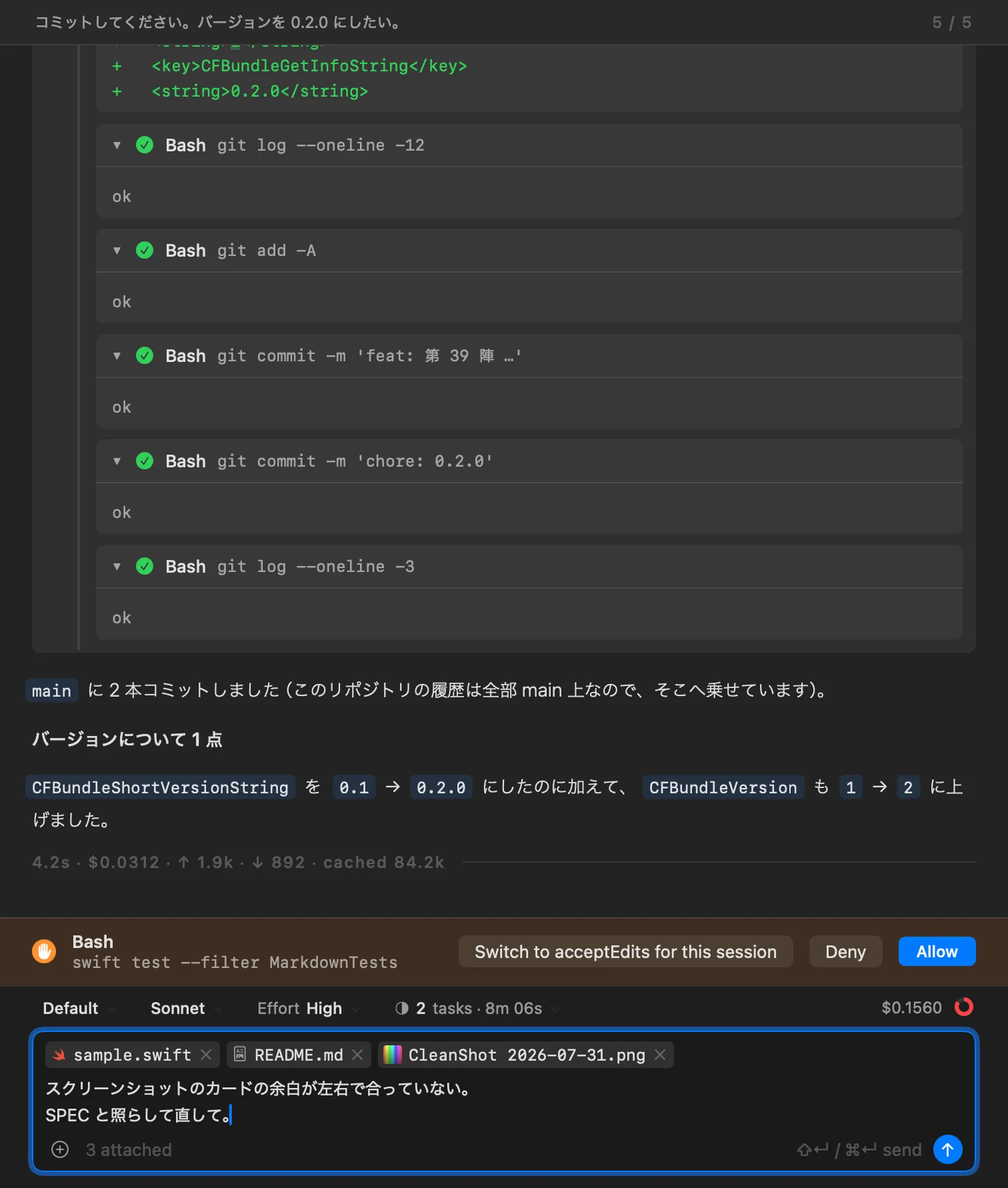
Keeping permission prompts out of a modal is deliberate: a modal fights head-on with running several projects at once. Leave one unanswered, go to another project, and the request waits in the conversation it belongs to.
Only the reading half of an IDE
If the AI writes the code, the human side has no use for an LSP. Go to Definition is the one exception — code review doesn't work without it.
| Syntax highlighting | 19 languages, in the right-hand pane and in the code blocks inside the conversation alike |
| Go to Definition | 13 of them, on ⌘B or ⌘-click. While ⌘ is held, only the identifiers the index can answer for take on the appearance of a link, so you know before you click |
| Search | ⌘⇧F, modelled on PhpStorm's Find in Path, plus fuzzy filename search on ⌘⇧O |
The index is a single tree-sitter layer with no type resolution. It resolves by name, so ambiguity is expected and a list of candidates comes up whenever there is more than one. No indexer process is started at all — the index is in-process SQLite, and that is where the 40 MB above comes from.
It refreshes when a project opens, when a turn ends, and when a file is saved, so code Claude Code has just written is reachable from ⌘B by the end of that turn.
The index isn't only for the human
This is the part that paid off most. Wisp is itself an MCP server, handing the claude it launched four tools built on its own indexes and its own right-hand pane.

| Tool | What it does |
|---|---|
definition |
Give it a name, get back where it is defined (the code index) |
past_sessions |
Full-text search over this project's past conversations (the session index) |
open |
Open a file in the right-hand pane, optionally at a line |
show_diff |
Show that file's uncommitted diff there instead |
The first two let the agent answer from an index it otherwise has no way to reach. Asked the same question — where is this name defined — the index tool came out at 1/12 the input tokens and 1/6 the wall-clock time against grep and Read: the grep route read 249,957 tokens over eight turns, while the index tool reached the same answer in two turns and 20,424 tokens. (One question, one comparison, so the ratio isn't something to generalise from — but the order of magnitude is real.) The index already exists for ⌘B, so handing it over costs practically nothing.
The other two run the other way: the agent moves the screen. Instead of explaining in prose where a function lives, it opens that line in the right-hand pane. There is only one reading seat, so whatever it opens is what you are looking at.
Putting past conversations back into context
past_sessions gets a tool of its own because it is the first thing parallel work destroys.
Claude Code keeps every conversation as JSONL, but there is no practical way to search it. "We tried that and it didn't work." "We rejected that approach." Only the human remembers — and with four projects open, the human doesn't either.
Wisp indexes every past session across every project with FTS5 and a bigram tokenizer, Japanese included. 3.6 GB of transcripts fit into a 40 MB index, and a search comes back in about a millisecond. You search across all projects with ⌘⌥F; the agent gets the same index, scoped to the project it is working in.
What that buys is being able to say "check what was already decided before you propose anything". The same argument doesn't get had twice, and a rejected idea is less likely to resurface in another conversation.
Stop buying, and the tool comes over to your side
The end-user documentation is written, and Wisp goes up on Labs shortly.
| Version | v0.3.0 |
| OS | macOS 14 or later |
| CPU | Apple Silicon |
| Required | The Claude Code CLI (the account and the billing stay outside Wisp) |
What building it made obvious is how much it matters to bend the tool towards your own workflow instead of the other way around. Buy an IDE and you take on the working pattern it came with. Four claude sessions in one window, with whichever one is waiting on you always in sight, was not a shape anyone was selling.
Now that the writing has moved to the AI, what stays on the human side is reading, judging, and sending work back. Nobody sells a tool built only for those three.
A macOS-native IDE built around working with an AI agent. It runs Claude Code across several projects in one window and keeps whichever session is waiting on you in plain sight. Currently v0.3.0.
Once the AI does the writing, an IDE has three jobs left: reading, judging, and sending work back. Nobody sells a tool built only for those, so we built one.